Laptop Buying Guide 2026: What Specs Actually Matter
Laptop spec sheets are designed to confuse. Manufacturers list processor names that mean nothing to most shoppers, quote storage and memory numbers without context, and bury the details that actually affect how the machine feels to use. The result is that people routinely overpay for numbers they will never notice while skimping on the things that matter most. This guide cuts through the noise and explains, in plain language, which specifications genuinely change your day-to-day experience.
By the end, you will be able to read any laptop listing and quickly judge whether it is a good fit for your needs and budget, without being dazzled by marketing. If you already know what you want and just need picks, our roundup of the 7 best budget laptops under $500 applies these principles to specific models.
The Processor (CPU): The Brain, but Not the Whole Story
The processor handles most of what your laptop does, but the model name matters less than people assume. For everyday tasks like browsing, email, documents, and video, a modern mid-range chip is far more than enough. You only need a powerful CPU if you do heavy work like video editing, 3D rendering, or running many demanding programs at once.
How to Read CPU Names
Intel and AMD both use tiered naming. With Intel, Core i3 is entry-level, i5 is the mainstream sweet spot, and i7 or i9 target power users. AMD mirrors this with Ryzen 3, 5, 7, and 9. Just as important is the generation: a newer i5 often beats an older i7 in both speed and battery life, so check the generation number, not only the tier.
For most buyers, a recent-generation Core i5 or Ryzen 5 is the ideal balance of performance, price, and efficiency. Paying for an i7 makes sense only if you regularly run demanding software.
Memory (RAM): The Most Important Spec for Smoothness
If there is one specification that most directly affects whether your laptop feels fast or frustrating, it is RAM. Memory determines how many programs and browser tabs you can juggle before the system slows to a crawl. It is also frequently the spec where cheap laptops cut corners.
- 8GB: the practical minimum in 2026 for light use. Fine for basic browsing and documents, but tight if you keep many tabs open.
- 16GB: the recommended sweet spot for most people, comfortably handling multitasking, video calls, and dozens of tabs.
- 32GB: useful for heavy creative work, virtual machines, or serious multitasking, but overkill for typical users.
Where possible, choose 16GB. It is the single upgrade most likely to keep a laptop feeling responsive for years, and on many thin laptops the RAM is soldered and cannot be added later.
Storage: Speed Matters More Than Size
Storage is where old advice leads people astray. The type of storage matters more than the raw capacity. A solid-state drive (SSD) makes a laptop feel dramatically faster than a traditional hard drive (HDD) for booting, opening apps, and loading files. In 2026, you should insist on an SSD, ideally an NVMe SSD, and treat any laptop still shipping with a spinning hard drive as a red flag.
For capacity, 256GB is workable if you store files in the cloud, but 512GB is the comfortable default for most people. You can always expand with external drives, so do not overspend on internal storage you may not need.
The Display: Where You Will Actually Look All Day
The screen is the part of the laptop you interact with constantly, yet it is often overlooked in favor of flashier specs. Two things matter most: resolution and panel type. Aim for at least a 1080p (Full HD) resolution; anything lower looks noticeably grainy on modern screens. An IPS panel offers better colors and viewing angles than a cheaper TN panel, which is worth prioritizing.
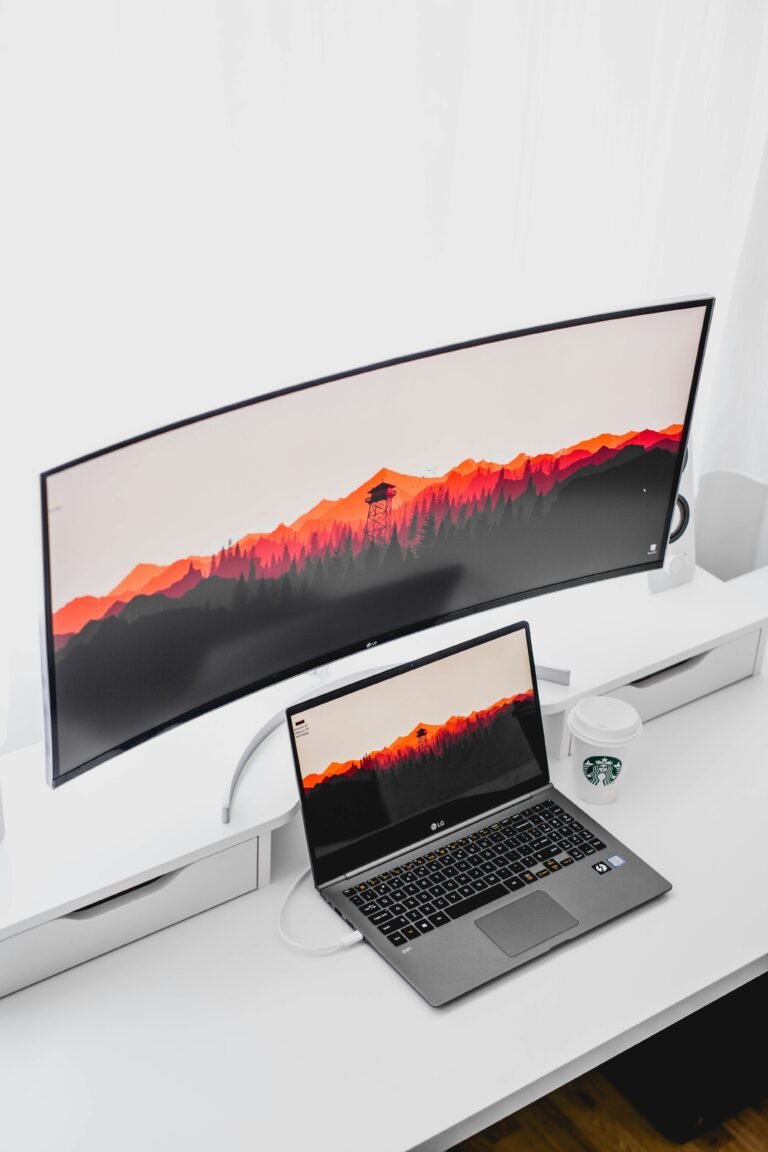
If you spend long hours working, screen quality directly affects eye comfort. Many people find that adding an external display improves things further; our guide to the best budget monitors for a home office explains how to pair a laptop with a larger screen affordably.
Battery Life and Portability
Manufacturer battery claims are optimistic, so mentally shave a few hours off any quoted figure. For true all-day use away from an outlet, look for real-world reviews confirming eight or more hours. Weight and size are the other half of portability: a machine you carry daily should ideally sit under 3.5 pounds, while a laptop that mostly stays on a desk can be heavier without issue.
Ports and Connectivity: The Details That Save Headaches
Thin laptops increasingly drop useful ports, which can force you into a pile of dongles. Before buying, check for the connections you actually rely on: USB-C (ideally with charging and display output), at least one standard USB-A port, and HDMI if you connect to monitors or TVs. Wi-Fi 6 or newer and Bluetooth 5.x are worth having for faster, more reliable wireless.
If you plan to dock your laptop at a desk, a single USB-C port that handles power, display, and data can replace many others through a hub. This ties directly into a tidy workspace, which we cover in our complete home office setup guide.
Matching Specs to How You Actually Use a Laptop
The right laptop is the one that fits your real workload, not the one with the biggest numbers. Here is a simple way to match specs to common user types.
- Everyday and student use: Core i5 or Ryzen 5, 16GB RAM, 512GB SSD, 1080p IPS display. This covers browsing, documents, streaming, and video calls comfortably.
- Budget-first buyers: a recent Core i3 or Ryzen 3 with 8GB RAM and an SSD can work for light tasks; prioritize the SSD and screen over the CPU.
- Creative and power users: Core i7 or Ryzen 7, 16 to 32GB RAM, 1TB SSD, and a high-quality display, plus a dedicated GPU if you edit video or do 3D work.
- Frequent travelers: prioritize weight under 3 pounds and verified all-day battery life over raw performance.
Specs That Are Often a Waste of Money
Just as important as knowing what to buy is knowing what to skip. Do not overpay for a top-tier CPU if you only browse and write; the difference is invisible for light work. Skip gaming-grade graphics unless you actually game or do GPU-heavy creative work. And be wary of ultra-high-resolution screens on small laptops, which drain battery for a sharpness gain most people cannot see at normal viewing distances.
Applying these principles, you can confidently shop within your budget. When you are ready for concrete recommendations, see our 7 best budget laptops under $500 and, for a lighter secondary device, our best budget tablets under $300 guide.
Frequently Asked Questions
What laptop specs matter most in 2026?
The specs that most affect daily experience are RAM, storage type, and the display. Aim for 16GB of RAM, an NVMe SSD (not a hard drive), and at least a 1080p IPS screen. The processor matters less than people think for everyday tasks, so a recent Core i5 or Ryzen 5 is plenty for most users.
How much RAM do I need in a laptop?
For most people, 16GB of RAM is the sweet spot in 2026, comfortably handling multitasking, many browser tabs, and video calls. 8GB is a workable minimum for light use, while 32GB is only needed for heavy creative work or virtual machines. Since RAM is often soldered and cannot be upgraded later, choose 16GB when you can.
Is an SSD better than a hard drive in a laptop?
Yes, and it is not close. An SSD, especially an NVMe SSD, makes a laptop feel dramatically faster for booting, opening apps, and loading files compared to a traditional hard drive. In 2026, any laptop still shipping with a spinning hard drive should be considered a red flag.
Do I need an Intel Core i7 or is i5 enough?
For everyday tasks like browsing, documents, streaming, and video calls, a recent-generation Core i5 or Ryzen 5 is more than enough. An i7 or Ryzen 7 only makes sense if you regularly run demanding software such as video editing or 3D rendering. Always check the chip generation, since a newer i5 can outperform an older i7.
What screen resolution should a laptop have?
Aim for at least 1080p (Full HD) resolution, as anything lower looks grainy on modern screens. An IPS panel is worth prioritizing over a cheaper TN panel for better colors and viewing angles. Ultra-high resolutions on small laptops mostly drain battery for a sharpness gain most people cannot see at normal distances.
Related reading: Working on the go? A portable monitor pairs perfectly with a laptop for a second screen anywhere.