10 Laptop Accessories Every Remote Worker Needs in 2026
A laptop alone rarely makes for a comfortable or productive workspace. The right accessories transform it from a cramped, hunched-over device into the hub of a genuine home office. Here are the accessories that deliver the biggest improvement for remote workers, roughly in order of impact.
1. A Laptop Stand
A laptop stand is the cheapest, highest-impact upgrade you can make. Raising the screen to eye level fixes the neck strain that comes from looking down all day. Pair it with an external keyboard and you get most of the ergonomic benefit of a dual-screen desktop for a fraction of the cost. (For the full picture, see our guide to setting up an ergonomic home office on a budget.)
🛒 Check Laptop Stands on Amazon2. An External Keyboard and Mouse
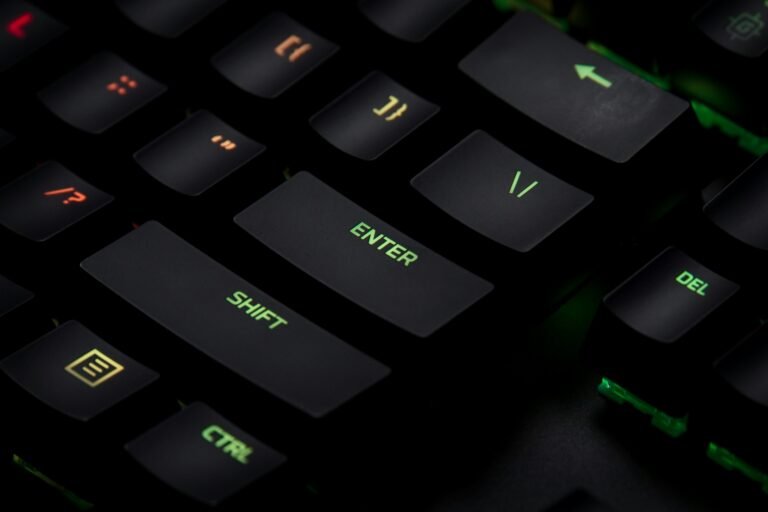
Once your laptop is raised on a stand, you need an external keyboard and mouse to type comfortably. This separation is the core of an ergonomic setup. If you type all day, consider a quality mechanical keyboard for better feel and durability.
🛒 Check Keyboards on Amazon3. A USB-C Hub or Docking Station
Modern laptops are short on ports. A USB-C hub instantly adds HDMI, USB-A, ethernet, and SD card slots, letting you connect a monitor, accessories, and wired internet through a single cable. It is the glue that holds a multi-device desk together.
🛒 Check USB-C Hubs on Amazon4. An External Monitor
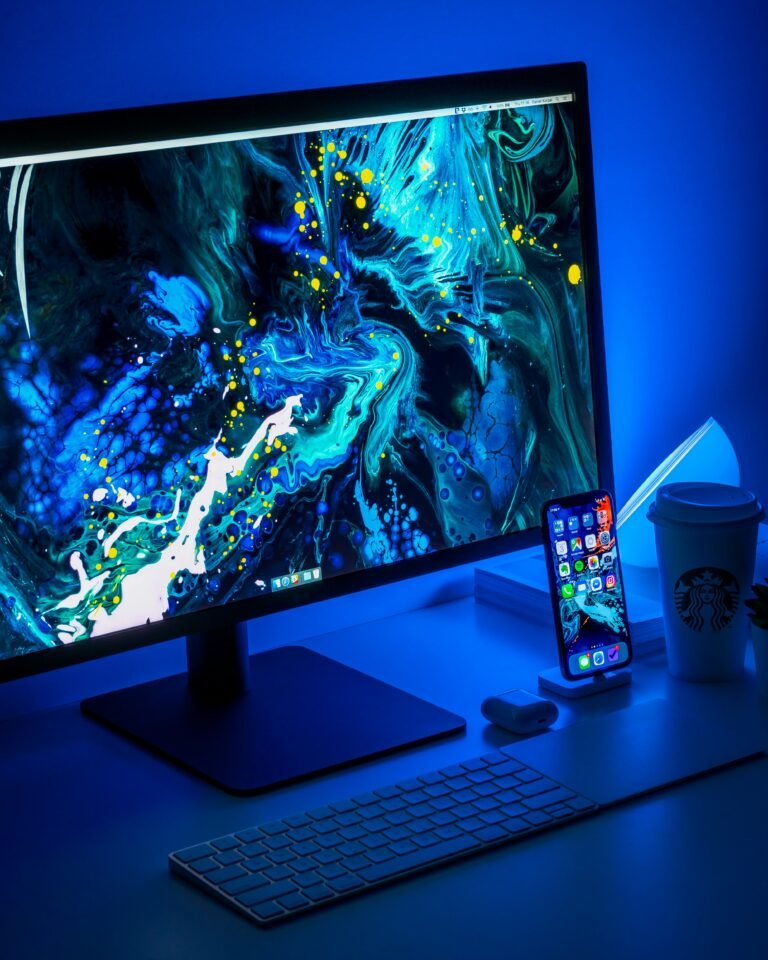
Nothing boosts productivity like more screen space. A second display lets you keep reference material, chat, and your main work visible at once. Our roundup of budget monitors for a home office covers great options that pair perfectly with a laptop.
🛒 Check Monitors on Amazon5. A Quality Webcam
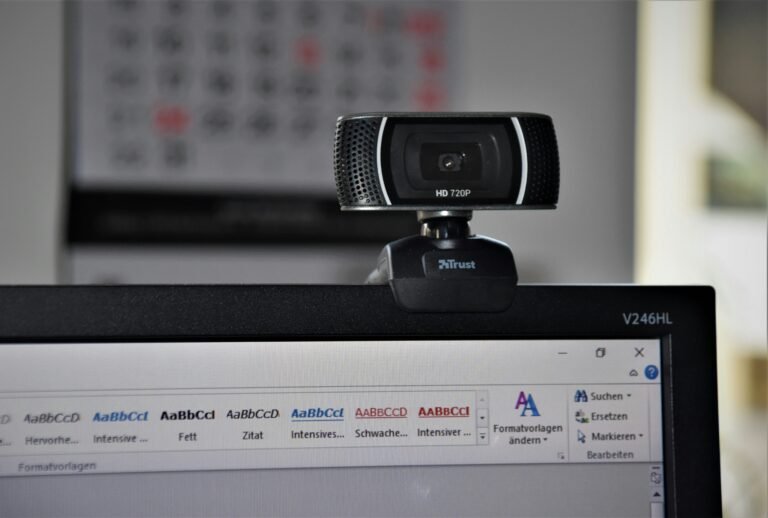
Built-in laptop cameras are notoriously grainy. An external webcam for video calls makes you look sharper and more professional on every call — a small upgrade with an outsized impact on how you come across at work.
🛒 Check Webcams on Amazon6. Noise-Cancelling Headphones
Whether you work from a busy home or a noisy cafe, noise-cancelling headphones help you focus and keep your voice clear on calls. They are one of the most-loved tools among remote workers for protecting deep-focus time.
🛒 Check Headphones on Amazon7. A Laptop Sleeve or Backpack
If you work in more than one location, a padded sleeve or a dedicated laptop backpack protects your device and keeps your accessories organized. Look for water resistance and a snug-fitting laptop compartment.
🛒 Check Laptop Bags on AmazonPutting It All Together
You do not need to buy everything at once. Start with a stand and an external keyboard for the biggest ergonomic win, then add a hub and monitor as your budget allows. If you are still choosing your machine, see our picks for the best budget laptops under $500. Built up over time, these accessories turn a basic laptop into a setup you genuinely enjoy working at.
Related reading: For the bigger picture on building your workspace, see our complete home office setup guide.