Best Portable Monitors in 2026 (Budget Buying Guide)
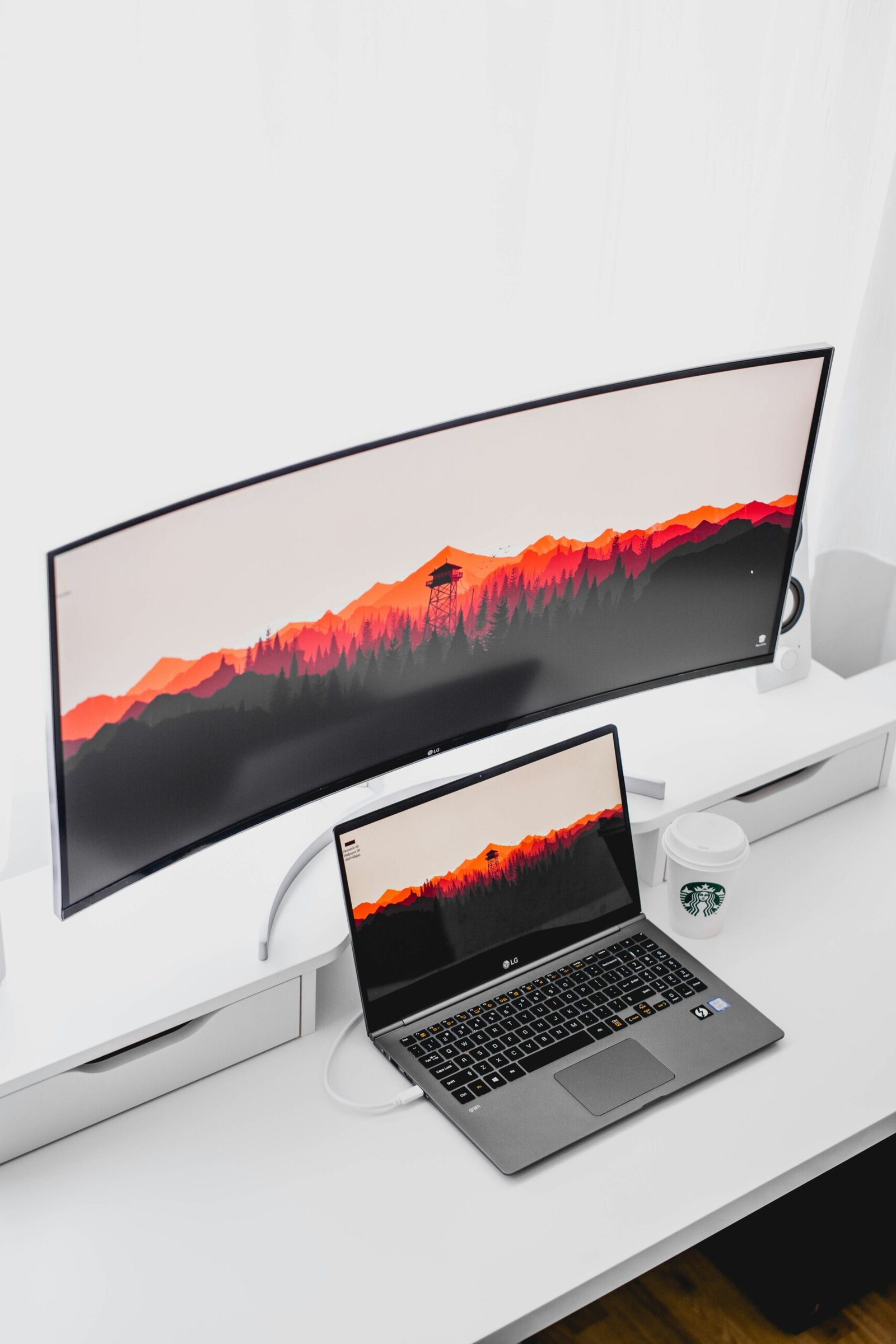
A portable monitor is one of those upgrades that sounds like a niche gadget until you try one, at which point it quickly becomes hard to work without. Whether you are a laptop user craving a second screen at a coffee shop, a frequent traveler who misses a dual-monitor desk, or a student juggling research and writing, a good portable monitor adds real screen space that folds up and slips into a laptop bag. The best part is that solid options now cost far less than they used to.
This guide explains what actually matters when choosing a portable monitor, the connection types that make setup painless, and how to match a model to your needs. Product recommendations use clearly-marked affiliate placeholders instead of fabricated links.
Quick Comparison
| Type | Best For | Key Specs to Look For |
|---|---|---|
| All-Around | General productivity | 15.6″, 1080p IPS, USB-C video+power |
| Travel | Frequent travelers | 13–14″, under 1.5 lb, rugged cover |
| Budget | Value seekers | 1080p IPS, USB-C, simpler stand |
Why a Portable Monitor Is Worth It
The core benefit is simple: a second screen dramatically improves productivity. Studies and everyday experience both show that having two displays reduces the constant window-switching that slows you down. A portable monitor brings that benefit anywhere, so your laptop setup on the road matches the comfort of your desk.
It pairs naturally with a well-planned mobile workspace. If you are building out a laptop-based setup, our laptop buying guide on what specs actually matter helps you choose a machine that can drive an external screen cleanly over USB-C.
What to Look For in a Portable Monitor
Portable monitors vary more than you might expect. Focusing on a few key specifications will steer you to a model you actually enjoy using rather than one that frustrates you.
Screen Size and Resolution
Most portable monitors range from 13 to 16 inches, which balances usable space against portability. A 15.6 inch panel is the popular sweet spot. For resolution, aim for at least 1080p (Full HD); it looks crisp at this size and does not overtax your laptop or drain its battery the way a 4K portable panel can.
Connectivity: USB-C Is the Game-Changer
The single most important feature is a USB-C port that supports both video and power over one cable. This lets you connect to a compatible laptop with a single wire, no separate power brick required. Also check for a mini-HDMI input for devices that lack USB-C video output. Confirm your laptop’s USB-C port supports DisplayPort Alt Mode, or you will need the HDMI route.
Panel Type and Brightness
An IPS panel is worth prioritizing for accurate colors and wide viewing angles, which matter when the screen sits at odd angles on the go. Brightness of at least 250 nits keeps the screen usable in normal indoor lighting; higher is better if you work near windows.
Build, Stand, and Weight
Since the whole point is portability, weight and protection matter. Look for a model under about 2 pounds with a built-in kickstand or a smart cover that doubles as a stand. A protective cover is essential for surviving life in a bag.
Best Portable Monitors by Use Case
Rather than crown one universal winner, match the monitor to how and where you will use it. Here is how we would approach the common scenarios.
Best All-Around Portable Monitor
For general productivity, a 15.6 inch 1080p IPS panel with USB-C video-and-power and a mini-HDMI backup covers almost everyone. Prioritize a sturdy built-in stand and a protective cover for daily carry.
Best Lightweight Monitor for Travel
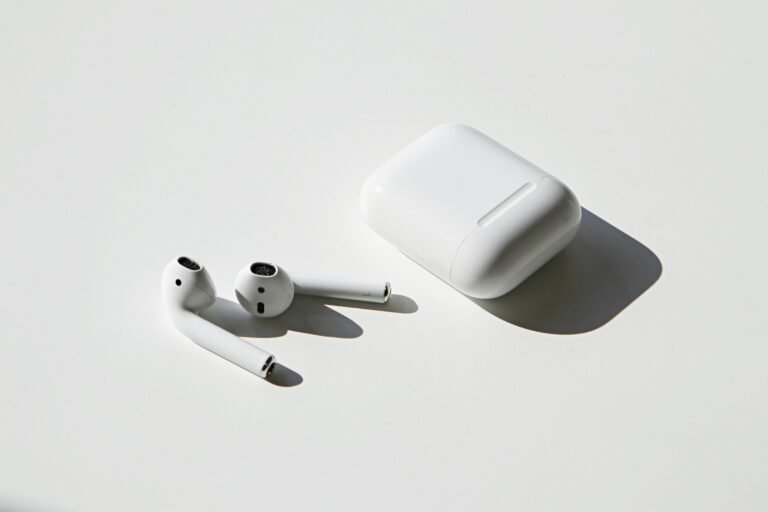
Frequent travelers should prioritize weight and durability over size. A 13 to 14 inch panel under 1.5 pounds with a rugged cover slips easily into a bag and sets up in seconds. This is the ideal companion to a light, portable laptop and a good pair of budget wireless earbuds for working anywhere.
Best Budget Portable Monitor
If cost is the priority, you can find capable 1080p IPS monitors at the lower end of the range. Accept a simpler stand and slightly lower brightness, but do not compromise on USB-C connectivity, which is what makes the monitor convenient in the first place.
Common Portable Monitor Mistakes to Avoid
A few predictable missteps cause most buyer regret. Steering clear of them ensures your portable monitor becomes a tool you reach for daily.
- Ignoring USB-C compatibility: confirm your laptop supports video over USB-C, or you will be stuck juggling cables and adapters.
- Overpaying for 4K: at 13 to 16 inches, 4K is hard to appreciate and drains laptop battery faster than 1080p.
- Forgetting about the stand: a monitor with a flimsy or missing stand is awkward to position and quickly frustrating.
- Skipping a protective cover: unprotected panels crack in bags, so factor a case into your decision.
- Overlooking brightness: a dim panel is unusable near windows, so aim for at least 250 nits.
How Much Should You Spend?
The sweet spot for most buyers is between $90 and $180. Below $90, you can find basic 1080p models, but check reviews for stand quality and brightness. Between $90 and $180, you get reliable USB-C connectivity, a solid IPS panel, and a usable stand. Spending more mainly buys higher resolution, touch support, or extra brightness that most people do not need.
A portable monitor is a natural extension of a strong laptop setup. To make sure your other gear keeps pace, see our 7 best budget laptops under $500 and, for the desk-bound side of your workflow, our best budget monitors for a home office.
Frequently Asked Questions
Are portable monitors worth buying?
Yes, for anyone who works on a laptop away from a desk. A portable monitor adds a second screen that significantly reduces window-switching and boosts productivity, and it folds down to fit in a laptop bag. Modern USB-C models are easy to set up and far more affordable than they used to be.
What size portable monitor is best?
Most portable monitors are 13 to 16 inches, with 15.6 inches being the popular sweet spot for usable space and portability. Travelers who prioritize weight may prefer a 13 to 14 inch model under 1.5 pounds, while those wanting maximum screen real estate lean toward 16 inches.
Do portable monitors work with any laptop?
They work with most laptops, but the easiest setup requires a laptop whose USB-C port supports video output (DisplayPort Alt Mode), allowing a single-cable connection. If your laptop lacks USB-C video, choose a monitor with a mini-HDMI input and use an HDMI connection plus separate power instead.
Do I need a 4K portable monitor?
For most people, no. At 13 to 16 inches, a 1080p (Full HD) panel looks crisp, and 4K is hard to appreciate at that size while draining your laptop battery faster. A quality 1080p IPS panel is the better value for typical productivity use.
How do portable monitors get power?
The best portable monitors draw both video and power over a single USB-C cable from a compatible laptop, so no separate power brick is needed. Some models can also be powered by a USB-C wall charger or power bank, which is useful when connecting over HDMI to devices without USB-C video.