How to Set Up an Ergonomic Home Office on a Budget (2026)
Setting up a comfortable, productive home office does not require spending thousands of dollars. With a smart approach, you can build an ergonomic workspace that protects your back, reduces eye strain, and helps you focus — all on a reasonable budget. This guide walks through every component of a healthy desk setup, in priority order, so you know where your money makes the biggest difference.
Start With the Chair: Your Most Important Investment
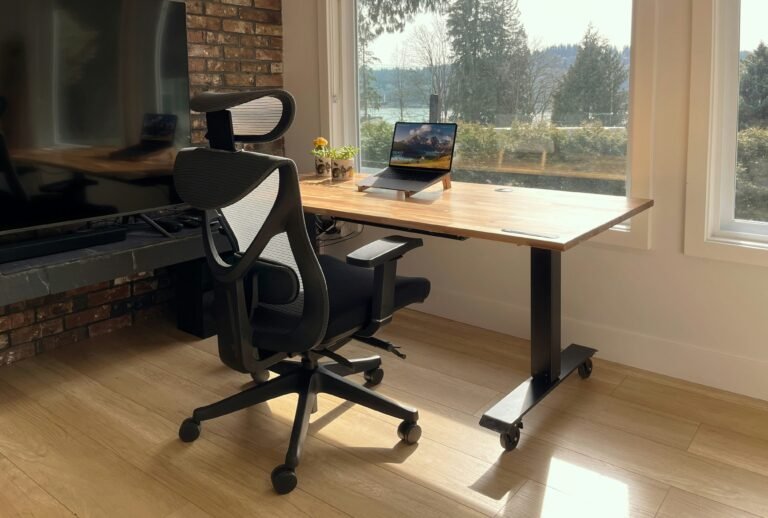
If you only upgrade one thing, make it your chair. You spend hours sitting every day, and a poor chair quietly causes back pain, poor posture, and fatigue that drain your productivity. Look for adjustable seat height, lumbar support, and adjustable armrests — you do not need a $1,000 designer chair to get these. Our roundup of the best ergonomic office chairs under $200 covers solid options that hit all the ergonomic essentials without the premium price tag.
Get Your Desk Height and Surface Right
Your desk should let your elbows rest at roughly a 90-degree angle while typing, with your wrists straight. If your current desk is too high or too low, that single mismatch can cause wrist and shoulder strain. A height-adjustable or standing desk solves this and lets you alternate between sitting and standing through the day, which research links to better energy and circulation. See our picks for the best standing desks under $300 if you want that flexibility affordably.
Position Your Monitor to Protect Your Neck and Eyes
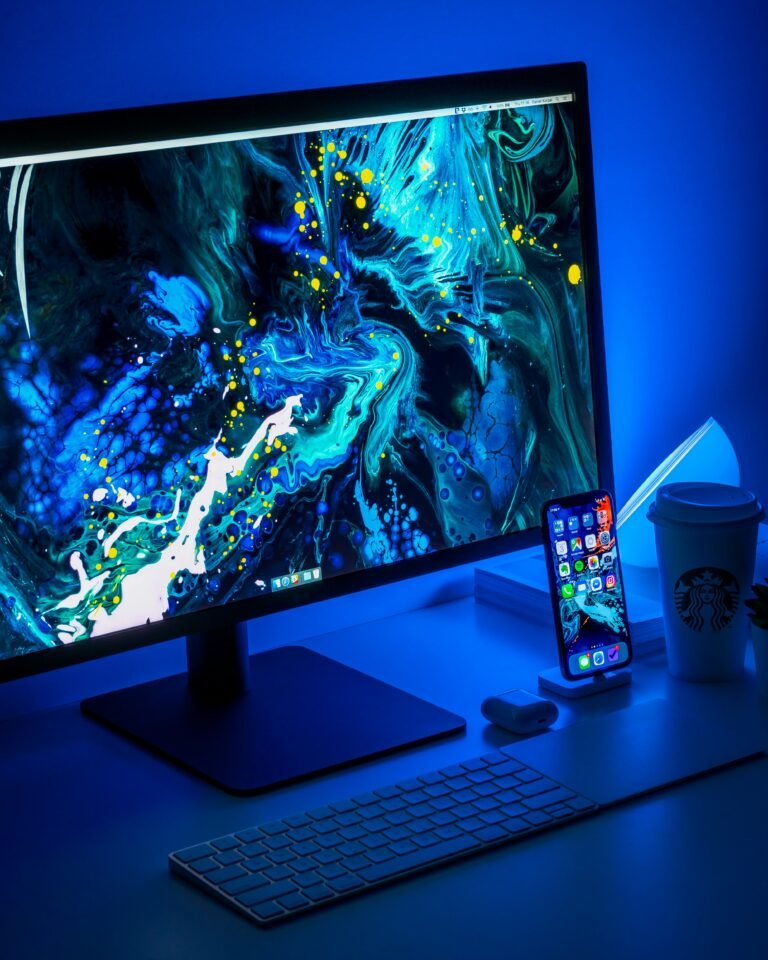
The top of your screen should sit at or just below eye level, about an arm’s length away. Looking down at a laptop screen all day is one of the most common causes of neck pain for remote workers. Adding an external monitor — raised to the right height — instantly improves both posture and productivity. Our guide to the best budget monitors for a home office highlights displays that deliver crisp text and comfortable viewing without overspending.
A quick fix if you only have a laptop
If a second monitor is not in the budget yet, a simple laptop stand paired with an external keyboard achieves much of the same ergonomic benefit by raising the screen to eye level. It is one of the cheapest upgrades you can make.
Add a Proper Keyboard and Mouse
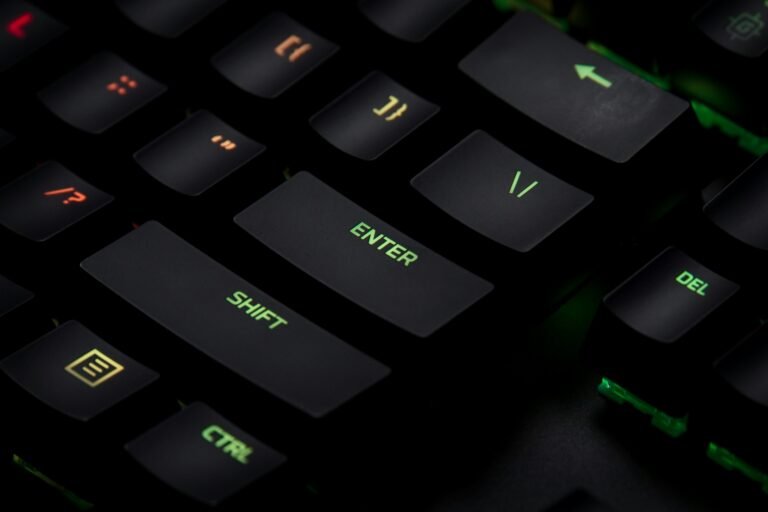
Typing on a laptop’s built-in keyboard forces your hands into a cramped position and keeps the screen too low. An external keyboard lets you position your hands and screen independently, which is better for both comfort and speed. If you type all day, a quality mechanical keyboard is a genuine upgrade — our list of the best mechanical keyboards under $100 covers comfortable, durable options for productivity.
Upgrade Your Webcam and Lighting for Video Calls
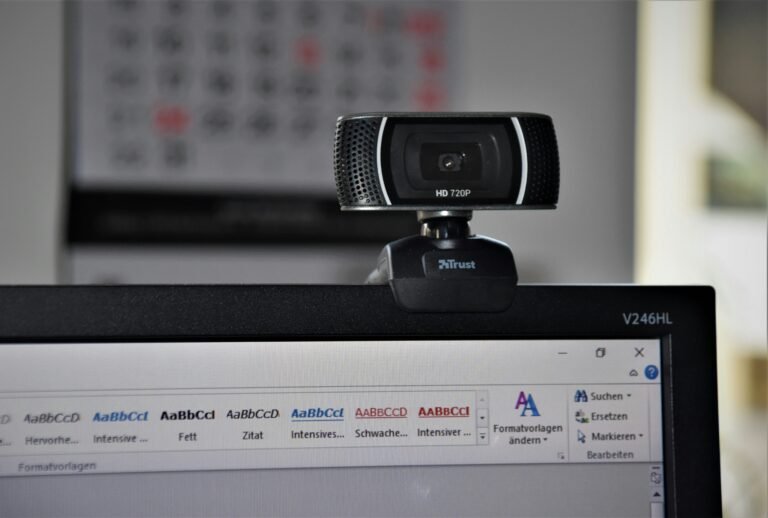
If your work involves frequent video calls, a clear webcam and decent lighting make you look more professional and engaged than a grainy built-in laptop camera. You do not need a studio setup — an affordable external webcam and a window or simple desk lamp go a long way. Check our roundup of the best webcams for video calls under $100 for options that sharpen your on-camera presence.
Don’t Forget Lighting, Cable Management, and Breaks
Two final touches complete an ergonomic setup. First, lighting: position your desk so a window is to the side rather than behind or in front of you to reduce glare and eye strain, and add a warm desk lamp for evening work. Second, cable management: a few inexpensive clips or a tray keep cords off your legs and your desk clear, which genuinely reduces daily friction. And no setup replaces movement — follow the 20-20-20 rule (every 20 minutes, look at something 20 feet away for 20 seconds) and stand up regularly.
Building Your Setup in Priority Order
If you are building gradually, spend in this order: chair first (your body will thank you), then monitor positioning, then keyboard and mouse, then desk, and finally webcam and lighting. This sequence puts your budget where the ergonomic payoff is greatest. A complete, comfortable home office is absolutely achievable in stages — you do not have to buy everything at once.
Final Thoughts
An ergonomic home office is one of the best investments you can make in your health and productivity as a remote worker. Focus on getting the fundamentals right — a supportive chair, a properly positioned screen, and a comfortable typing setup — and upgrade over time. Each piece compounds, and the difference in how you feel at the end of a workday is dramatic.
Related reading: This guide is part of our complete home office setup guide, which ties together every piece of gear from desks and chairs to monitors and accessories.