The Complete Home Office Setup Guide (2026): Everything You Need
Setting up a home office that is comfortable, productive, and affordable can feel overwhelming when you are staring at a blank room and an endless list of gear. This guide pulls together everything DealOnes has learned about building a great workspace, from the desk and chair up to the monitor, keyboard, webcam, and the small accessories that quietly make or break your day. Think of it as the map: each section gives you the essentials and links to a deeper, dedicated guide when you are ready to choose a specific product.
Whether you are furnishing your first work-from-home setup on a tight budget or upgrading a space you already use eight hours a day, the same principles apply. Spend where it protects your body and your focus, save where the marketing markup outweighs the real benefit, and buy things once by choosing well the first time.
How to Plan Your Home Office Before You Buy Anything
The most expensive home office mistakes happen before the first purchase. People buy a beautiful desk that does not fit the room, a chair that looks premium but wrecks their lower back, or a pile of gadgets that never get used. A short planning phase prevents nearly all of that.
Start by measuring your actual space, including where power outlets and natural light fall. Decide whether you need a fixed spot or a setup that disappears at the end of the day. Then rank your priorities honestly: if you spend most of the day on video calls, your webcam and lighting matter more than a mechanical keyboard; if you write or code all day, comfort at the keyboard and screen will dominate your experience.
- Measure the room and note outlet and window positions before choosing a desk size.
- Decide on a budget range and split it by impact: chair and desk first, screen second, accessories last.
- List your core daily tasks so you spend on the gear that matches how you actually work.
- Leave a small buffer for cable management and lighting, which are almost always underestimated.
The Desk: Foundation of the Whole Setup
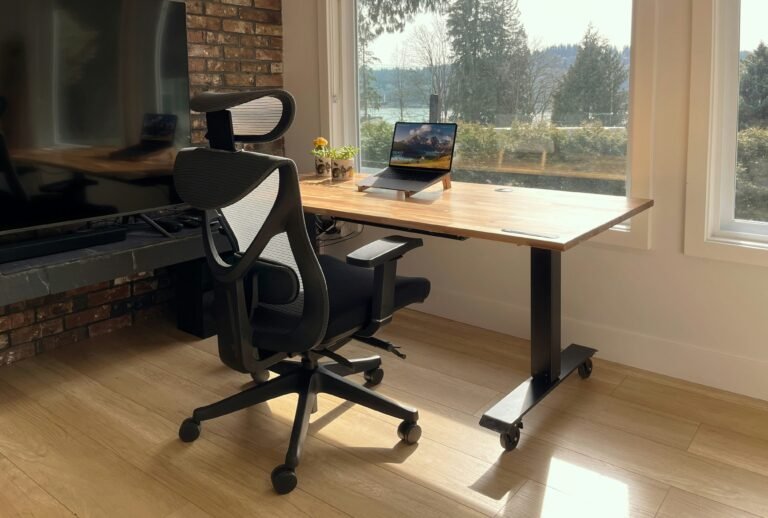
Your desk sets the size, height, and posture of everything else. A surface that is too small forces a cramped monitor position; one that is the wrong height creates shoulder and wrist strain no chair can fix. The two big decisions are size and whether to go with a standing desk.
If you are torn between a traditional fixed desk and a height-adjustable model, the honest answer is that both work well when matched to your habits. Our standing desk versus sitting desk comparison breaks down the health claims, the real ergonomic differences, and who actually benefits from a sit-stand setup. When you are ready to shop specific models, our roundup of the best standing desks for a home office under $300 covers sturdy, budget-friendly options.
The Chair: Where Not to Cut Corners
If there is one place to spend a little more, it is the chair. You sit in it for thousands of hours a year, and poor lumbar support compounds into real pain over time. The good news is that you do not need a $1,200 designer chair to get proper support.
Look for adjustable seat height, adjustable armrests, and genuine lumbar support rather than a flat backrest with a cushion glued on. Our guide to the best ergonomic office chairs under $200 shows which affordable chairs actually deliver on those points and which ones only look the part.
The Monitor: Your Most Underrated Productivity Upgrade
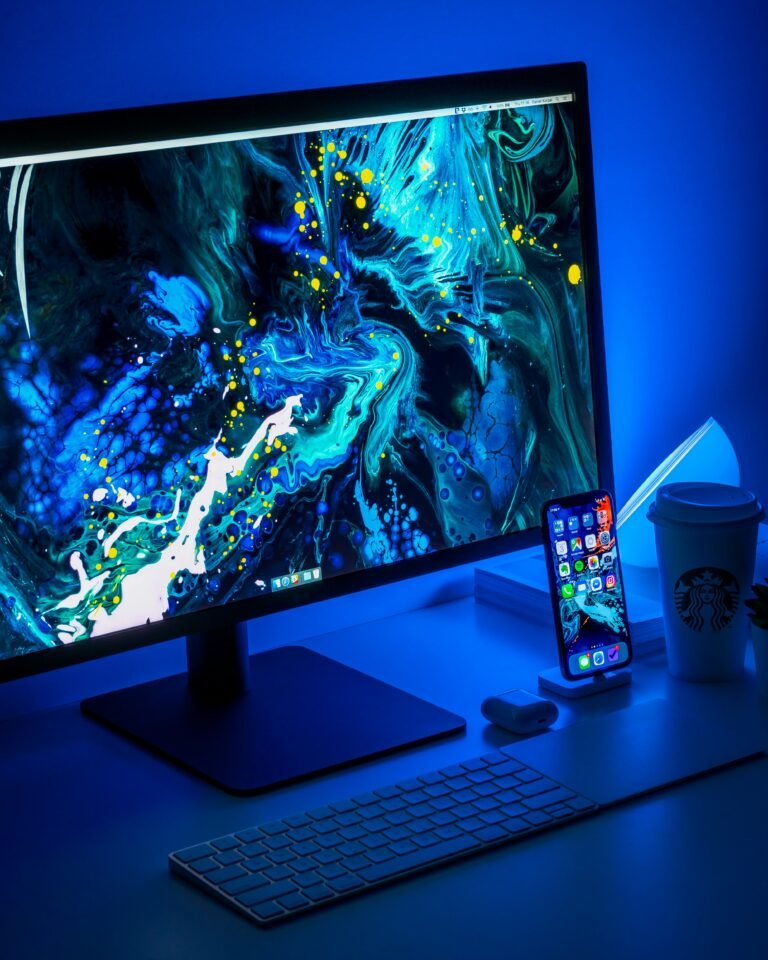
A good external monitor is often the single biggest jump in day-to-day comfort and output, especially if you have been working off a laptop screen. More screen space means less scrolling, fewer window swaps, and a display you can position at the right height to protect your neck.
For most people, a 24 to 27 inch 1080p or 1440p monitor hits the sweet spot of clarity and value. Our roundup of the best budget monitors for a home office explains resolution, panel types, and the connections you actually need so you do not overpay for specs you will never use.
Keyboard and Mouse: The Tools You Touch All Day
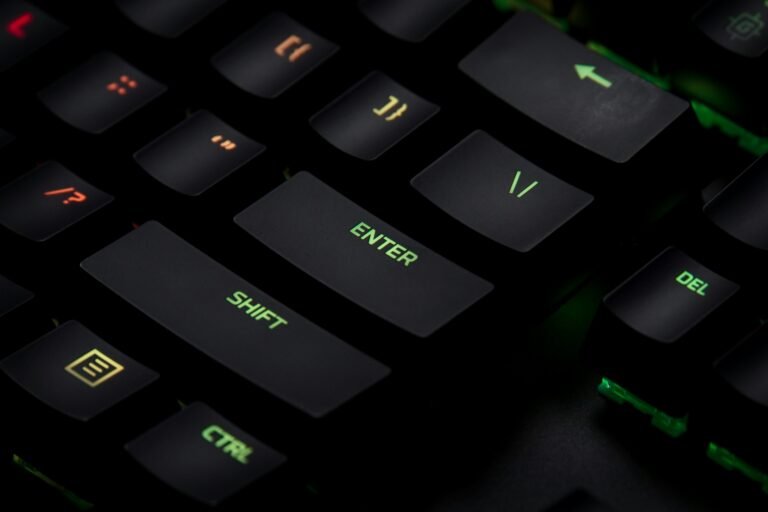
Your hands are on the keyboard and mouse constantly, so comfort here pays off every single hour. A better keyboard will not magically make you faster, but the right one reduces fatigue and makes long sessions more pleasant.
Mechanical keyboards have become popular for good reason: they are durable, satisfying, and increasingly affordable. If you are curious whether they are worth it, see our picks for the best mechanical keyboards for productivity under $100, which balance typing feel, noise, and price.
Webcam and Lighting: Look Professional on Every Call
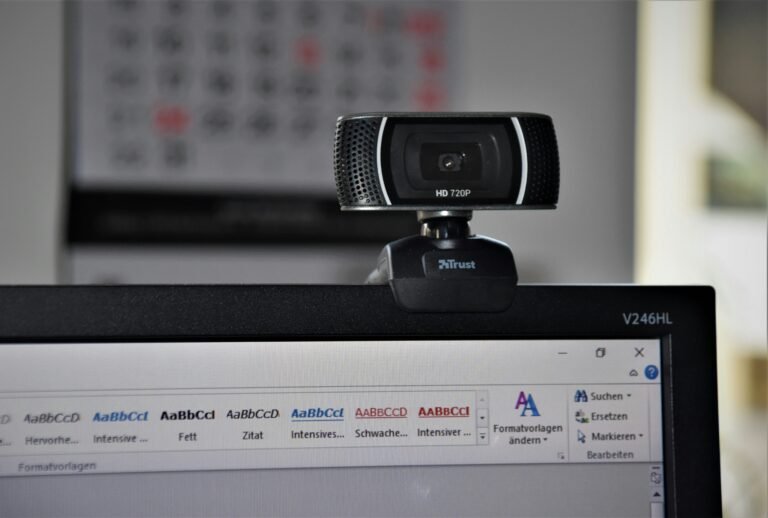
If your job involves video meetings, your webcam and lighting shape how colleagues and clients perceive you. Most built-in laptop cameras are mediocre, and even a modest external webcam plus a window or simple light makes a dramatic difference.
You do not need broadcast gear. A solid 1080p webcam and decent front lighting cover almost everyone. Our guide to the best webcams for video calls under $100 highlights sharp, well-priced options that beat the typical built-in camera.
The Accessories That Quietly Make the Difference
Once the big pieces are in place, a handful of inexpensive accessories elevate the whole setup: a laptop stand to raise your screen, a docking station to tame cables, a headset for calls, and good cable management. These small items solve the daily annoyances that a fancy desk alone never will.
For a full checklist of the extras worth owning, especially if you split time between home and the office, see our list of 10 laptop accessories every remote worker needs.
Putting It All Together on a Budget
You do not have to buy everything at once, and you should not. Build in order of impact. Start with the chair and desk because they affect your body every minute. Add an external monitor next for the biggest productivity gain. Then improve your input devices, your camera and lighting, and finally the accessories that polish the setup.
For a step-by-step plan that keeps the whole project affordable, our walkthrough on how to set up an ergonomic home office on a budget shows exactly where to spend and where to save without sacrificing comfort.
- Phase 1 (comfort): ergonomic chair and a correctly sized desk.
- Phase 2 (productivity): external monitor at the right height.
- Phase 3 (daily feel): keyboard, mouse, and a laptop stand.
- Phase 4 (presence): webcam and lighting for calls.
- Phase 5 (polish): docking station, cable management, and headset.
Home Office Equipment at a Glance
| Component | Why It Matters | What to Prioritize |
|---|---|---|
| Ergonomic Chair | Affects posture every minute you work | Adjustable height, armrests, real lumbar support |
| Desk | Sets height & layout of everything | Correct height; sit-stand if you like to move |
| Monitor | Biggest productivity jump after the chair | 24–27″, 1080p/1440p, height-adjustable |
| Keyboard & Mouse | Comfort for the tools you touch all day | Comfortable feel, low fatigue over long sessions |
| Webcam & Lighting | How you look on every call | 1080p webcam + decent front lighting |
How We Evaluate Home Office Gear
Our home office recommendations are built on independent editorial research rather than paid placement. For each category, we weigh long-term comfort and ergonomics, real-world durability, value for money at a given budget, and how well a product works alongside the rest of a typical setup. We prioritize the specifications that genuinely affect daily use—support, adjustability, screen quality, and connectivity—over marketing features that rarely change the experience. Recommendations are reviewed periodically and updated as products change, so the guidance stays accurate over time.
Frequently Asked Questions
How much should I budget for a good home office setup?
You can build a comfortable, productive home office for roughly $400 to $800 by prioritizing a supportive chair and a properly sized desk first, then adding an external monitor and accessories over time. Spreading purchases across a few months lets you spend on quality where it matters most rather than buying everything cheaply at once.
What should I buy first for a home office?
Start with the chair and desk, because they affect your posture and comfort every minute you work. An external monitor is usually the next best purchase for a large jump in productivity, followed by a comfortable keyboard and mouse, then a webcam and lighting if you do video calls.
Is a standing desk worth it for a home office?
A standing desk can be worth it if you struggle with sitting all day, but the main benefit comes from being able to change positions, not from standing constantly. Many people do just as well with a good chair and regular movement breaks, so match the choice to your habits rather than the marketing.
Do I really need an external monitor if I have a laptop?
For most knowledge work, yes. An external monitor gives you more screen space, lets you position the display at eye level to protect your neck, and typically delivers the biggest day-to-day comfort and productivity gain of any single upgrade after your chair.
How can I set up a home office in a small space?
Choose a compact desk that fits your outlets and light, use a laptop stand plus a wireless keyboard to save surface area, and lean on vertical storage and good cable management. A single well-chosen monitor and a folding or wall-mounted desk can create a full workspace even in a tiny room.